

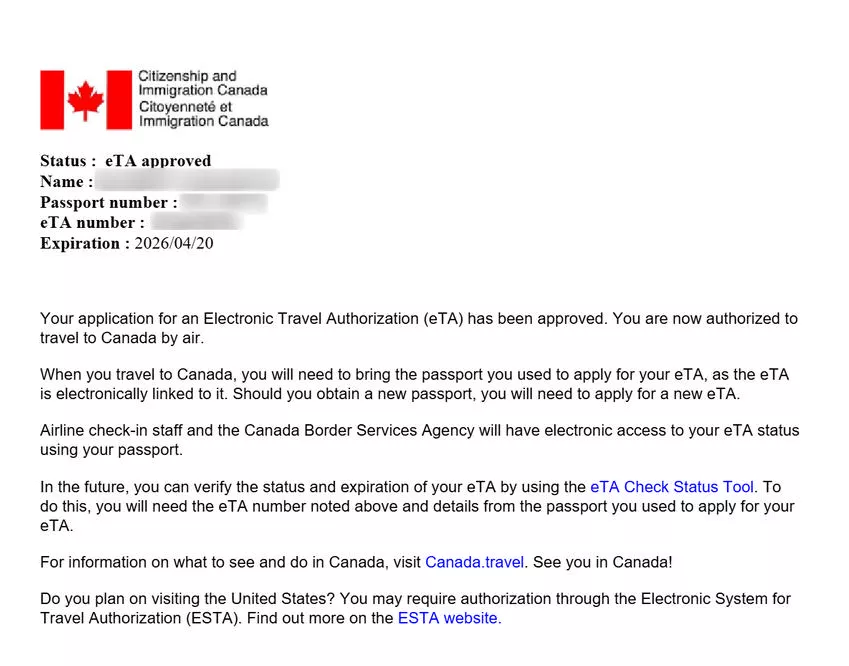
You do not need to print your eTA for Canada. Airlines verify the electronic Travel Authorization automatically by scanning the passport linked during application. Saving the Canada eTA confirmation email on your phone serves as a recommended backup.
Written by the editorial team. Last updated 8 September 2026. This is an independent travel information portal, not the official Canadian government website. For the official Canada eTA application, always use canada.ca/eta. We do not sell eTA applications and will never ask you to pay more than the official CAD $7 IRCC fee. Every eTA fact on this page is verified against the official canada.ca/eTA page.
Do I Need to Print My eTA for Canada?
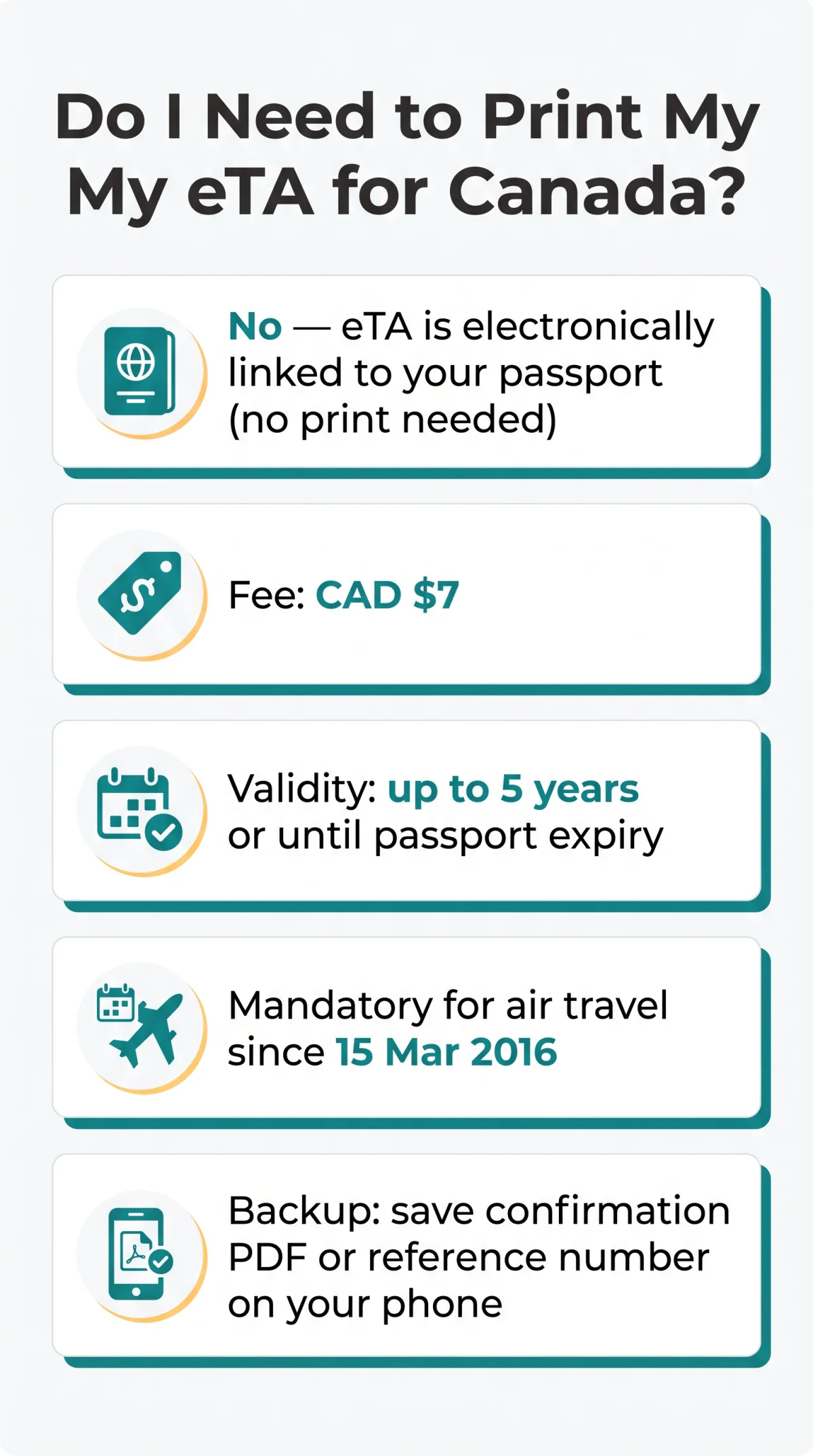
Your Canada eTA is electronically linked to your passport, no printed document is required at check-in. According to the IRCC Help Centre (question 1066), the electronic Travel Authorization connects directly to the passport used during application, so airline staff confirm it by scanning that passport alone. The application fee is CAD $7, and approvals are typically processed within minutes. The eTA has been mandatory for air travel to Canada from visa-exempt countries since 15 March 2016, including transit through Canadian airports. U.S. lawful permanent residents are exempt from the eTA requirement. Beware of fraudulent websites charging up to $130 per application; always apply through the official Government of Canada portal.
What You Receive After eTA Approval
Your Canada eTA confirmation email includes a unique reference number, application date, expiry date, passport link confirmation, and a downloadable PDF. Save them on your phone as a backup, no need to print.
How Long Is My eTA Valid?
A Canada eTA remains valid for up to 5 years or until the associated passport expires, whichever occurs first. You can take unlimited trips within this period without reapplying, with each stay normally up to six months. A renewed or replaced passport requires a new eTA application.
How Airlines Verify Your eTA at Check-In
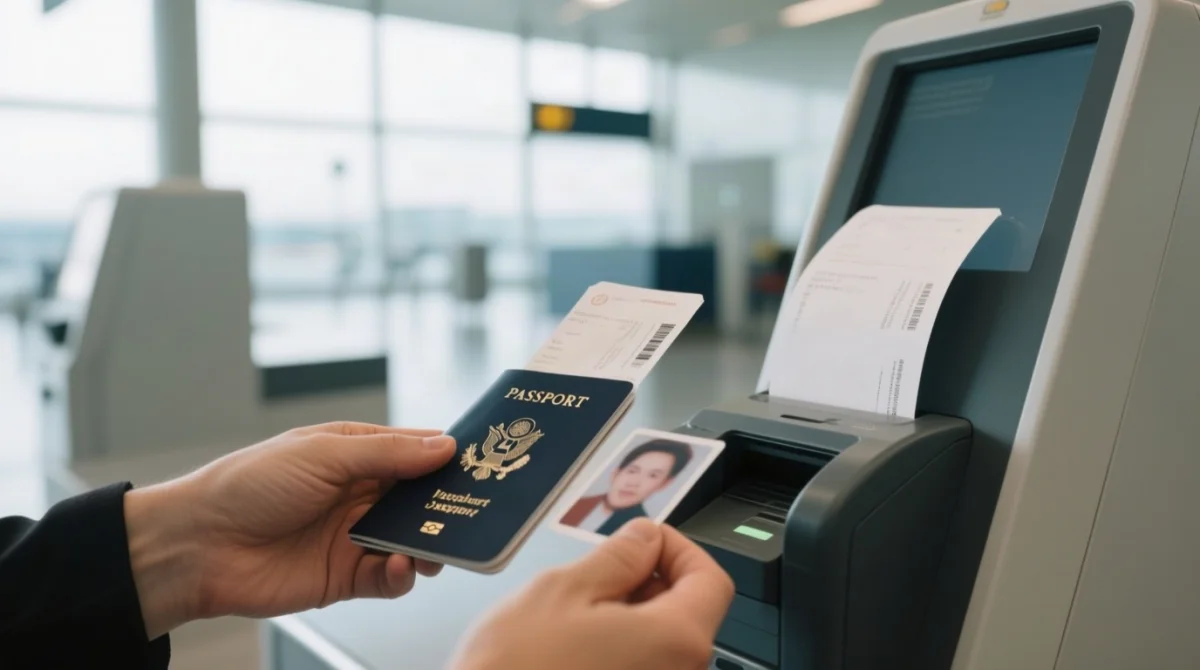
Airlines verify your Canada eTA automatically by scanning your passport at check-in, no physical eTA document is needed. The airline system checks the IRCC database directly and issues your boarding pass once the electronic Travel Authorization status is confirmed.
Step-by-Step: Checking In Without a Printed eTA
Online check-in
Enter your booking reference on the airline website or app. If prompted for your passport number, the system verifies the linked Canada eTA automatically.
Airport check-in desk
Hand your passport to airline staff. They scan it, and the system confirms your valid eTA against the IRCC database.
Self-service kiosk or automated bag drop
Scan your passport at the kiosk screen. The eTA is verified electronically, no printed copy required.
Boarding pass issued
Once the passport scan confirms a valid eTA, the system releases your boarding pass to board your flight.
Passport control at the gate
Final passport check before boarding. The eTA has already been verified by the airline system.
Self-Service Check-In Kiosks and eTA
Self-service kiosks at UK airports such as Heathrow Terminal 5 and Gatwick scan your passport and verify the Canada eTA automatically, the same process as desk check-in but without staff involvement. No printed electronic Travel Authorization is needed at any kiosk.
Check-In Troubleshooting: eTA Errors and Passport Rules
If the airline system cannot find your Canada eTA, presenting your reference number or confirmation PDF resolves most issues.
What If the Airline System Can’t Find Your eTA?
A Canada eTA approval that cannot be found at check-in is usually caused by a passport number mismatch or a recent approval with a system sync delay. Show your eTA reference number, display the confirmation PDF on your phone, and if unresolved, contact IRCC via the IRCC web form. Sync delays are rare; most approvals reflect in airline systems within minutes.
Carrying the Correct Passport
You must travel with the exact passport used during your eTA application. A renewed or replaced passport requires a new Canada eTA. An incorrect passport number entered during application may only be discovered at the airport, requiring you to reapply.
Arriving in Canada Without a Printed eTA
Canadian border systems verify the Canada eTA electronically through passport scanning at CBSA Primary Inspection Kiosks (PIK), no printed document is needed. At Canadian airports, PIK kiosks scan your biometric passport and verify the electronic Travel Authorization automatically.
What Else Can a CBSA Officer Ask For?
A CBSA officer may request proof of funds, a return ticket, accommodation confirmation, or evidence of your purpose of visit. Keep these documents accessible on your phone or printed separately. No printed eTA is required at the Canadian border.
FAQ
Do UK travellers need a printed eTA when departing from UK airports to Canada?
No. The Canada eTA is electronically linked to your passport; airline staff and self-service kiosks scan it to verify your electronic Travel Authorization automatically.
Can I show my eTA approval on my phone at the airport?
Yes. You can show your Canada eTA confirmation email or PDF on your phone if requested, but the airline verifies your electronic Travel Authorization by scanning your passport. The digital copy serves as a backup for system errors.
Do Air Canada and British Airways accept digital eTA copies at check-in?
Air Canada and British Airways verify the Canada eTA via passport scan, no printed copy needed. A digital backup is optional.
What happens if I forget my eTA confirmation email?
You can still travel as long as your electronic Travel Authorization is valid and linked to your passport. Airline staff will scan your passport to verify your status. You can also check your Canada eTA application status online via the IRCC portal.
Can I save my eTA to Apple Wallet or Google Wallet?
No. The Canada eTA cannot be saved to Apple Wallet or Google Wallet. Save the confirmation PDF to your phone as a backup instead.
Do I need my eTA for domestic flights within Canada?
No. The electronic Travel Authorization is only for air travel to Canada from visa-exempt countries. Domestic flights, hotels, and car hire within Canada do not require it.
Travelling with children: do minors need separate eTA documents?
Yes. Every accompanying minor needs a separate Canada eTA application. You do not need to print the eTA approval for children, but keep their reference numbers accessible. Additional documents like consent letters or birth certificates may be required by border officers.
eTA vs visa: which requires physical documents at check-in?
A Canada eTA is electronically linked to your passport and requires no printed document. A Canadian visa, by contrast, is a physical sticker in your passport and must be presented at check-in.
Can I get a boarding pass without showing my eTA?
Yes. Airline systems automatically verify your electronic Travel Authorization when your passport is scanned at check-in. Once confirmed, staff will issue your boarding pass without requiring any physical or digital proof of authorization.
I have dual UK-Canadian citizenship. Can I use an eTA?
Dual UK-Canadian citizens cannot use a Canada eTA. They must travel on their Canadian passport.